
If you are wondering how to apply for the bunq Travel Card, you want simple spending abroad. This guide explains how bunq links travel insurance, exchange rates and mobile data in one app.
You see how these features support short trips and longer journeys. You also learn which conditions you must meet. With this overview, planning and applying for your travel card becomes easier.
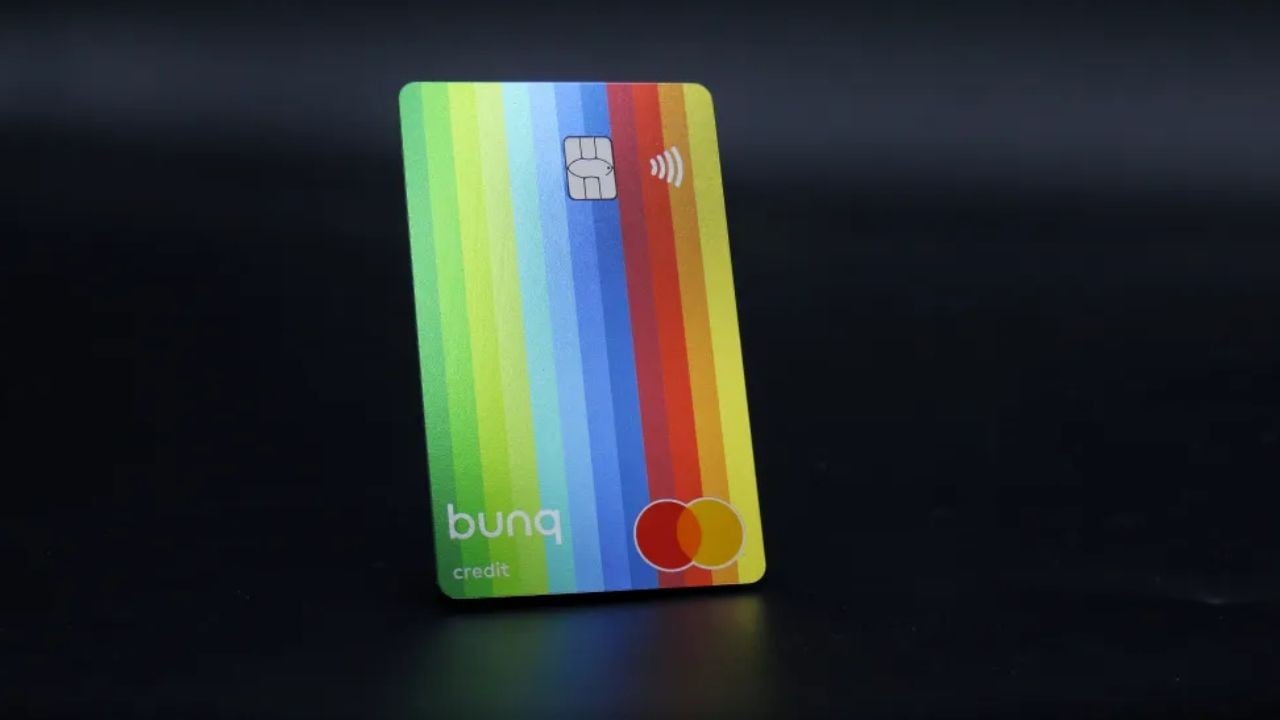
Overview of bunq Travel Card Travel Insurance and Perks
Before you apply, it helps to understand how the Travel Card fits into bunq’s wider travel offer.
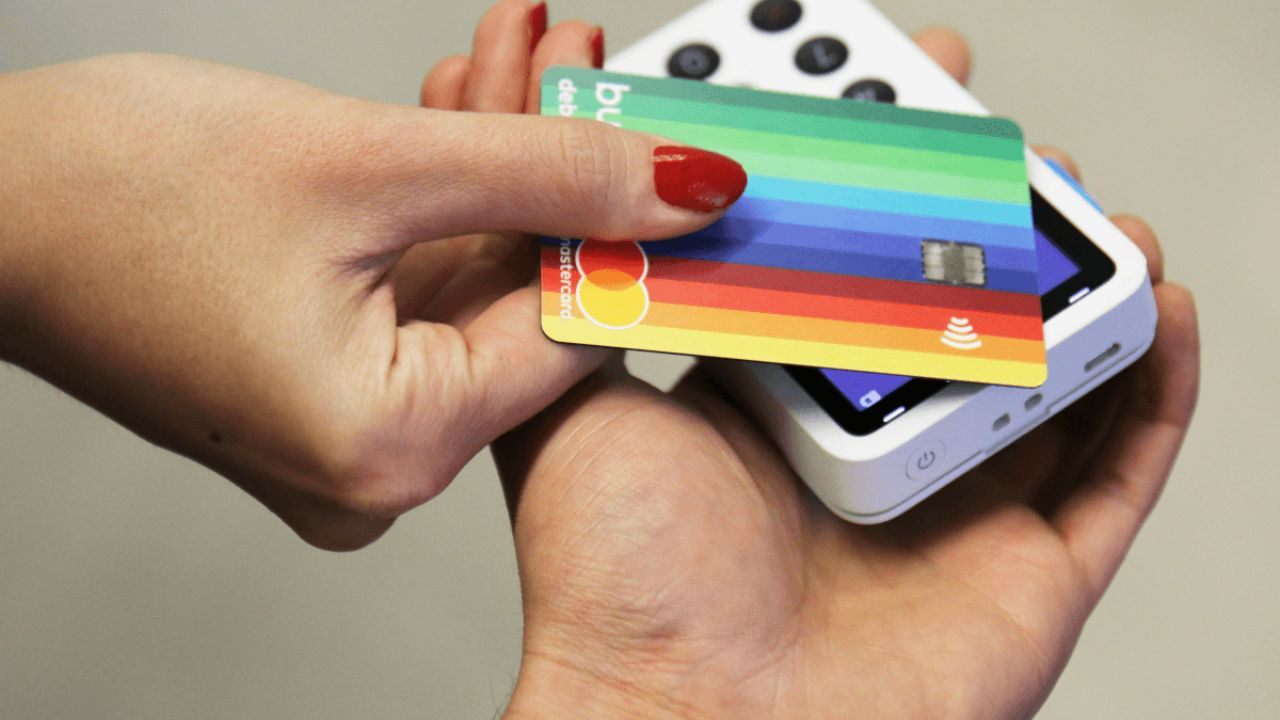
The features page focuses on insurance, foreign spending and connectivity that work together. Instead of juggling separate providers, you manage these services inside the banking app.
You can see, adjust and activate benefits whenever needed. This overview section explains the most important perks that support your trips.
Worldwide Travel Insurance Benefits with bunq
bunq’s travel insurance is provided together with a specialist partner and focuses on worldwide coverage.
The travel benefits description explains that it protects you against medical emergencies, baggage problems, cancellations and rental car incidents.
Many active sports are also covered, which frequent travelers value. Your family can be protected when they travel with you. This turns one banking plan into a shared protection package.
ZeroFX Currency Conversion for the bunq Travel Card
For card payments abroad, bunq promotes ZeroFX as a way to access real time exchange rates with a small markup.
Instead of traditional banking surcharges, ZeroFX applies a transparent percentage when markets are open.
You avoid double conversions and unclear currency spreads. This helps you understand costs before you pay. Transparent pricing makes it easier to compare bunq with other travel cards you might consider.
eSIM Data and Connectivity Perks for Travelers
Because roaming can become expensive quickly, another highlighted feature on the travel benefits page is eSIM support right inside the bunq app. Instead of buying physical SIM cards, you can install digital data plans on your phone.
bunq says this can save up to ninety percent on roaming costs abroad. You choose a bundle that fits your destination and trip length. This keeps you online for maps, messages and banking.
Managing Your bunq Travel Card in the App
To get real value from the Travel Card, you should understand how daily management works in the bunq app.
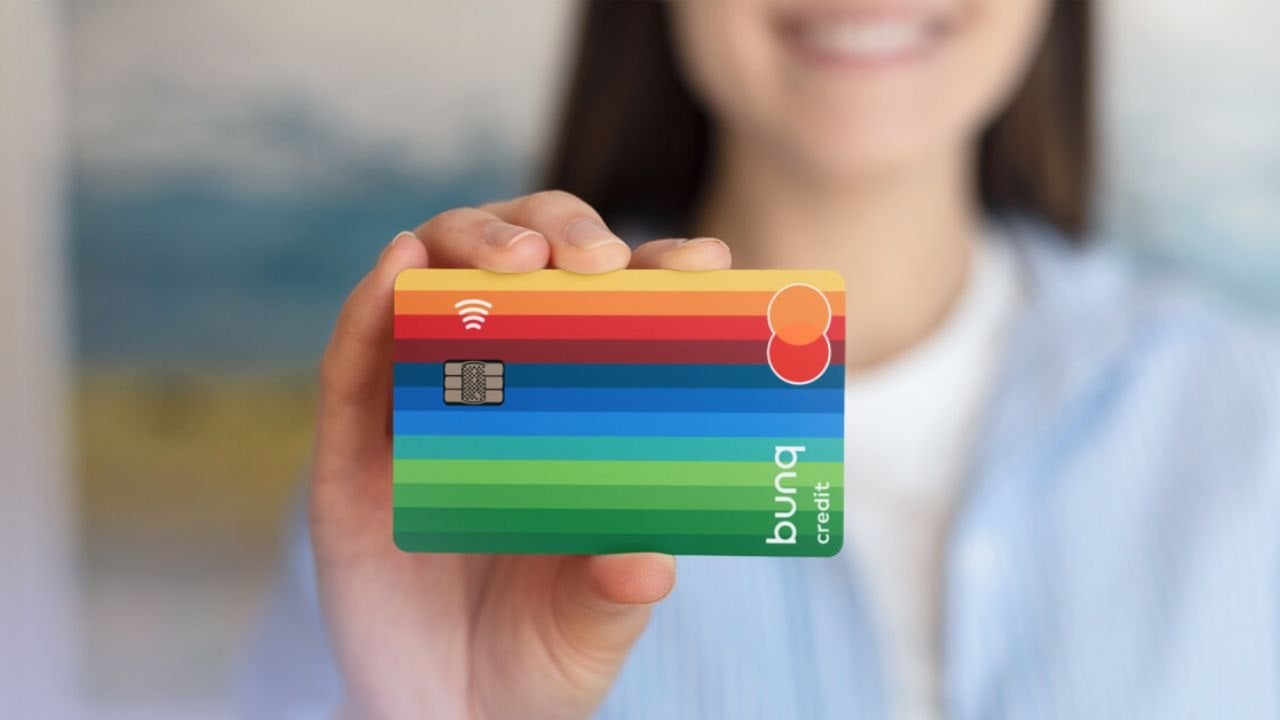
The bank is designed so most actions happen on your phone instead of a branch. From the app, you control card settings, security and travel perks.
This gives you flexibility while moving between countries. The next examples show practical ways to manage your card during trips.
Monitoring Travel Spending and ZeroFX Usage
Inside the bunq app, you can view recent card transactions and keep track of travel spending. Clear overviews show which currencies you used and how ZeroFX affected them.
You can freeze or unfreeze your card instantly if something seems suspicious. Notifications alert you to each payment so you catch unusual activity quickly. This control helps you travel confidently without losing track of your budget.
Activating Travel Insurance and eSIM from the App
The travel benefits page explains that you enable travel insurance from within the bunq app before or during your journey.
Once switched on, coverage applies automatically to trips that meet the conditions. In the same place, you arrange your eSIM data plan without visiting a store.
Managing insurance and connectivity together saves time. It also reduces the risk of forgetting important protection before departure.
Keeping Your bunq Travel Card Secure Abroad
Security is a central theme across bunq’s services, and it matters especially with a Travel Card. The app lets you change settings quickly if you lose your card or phone.
You can block payments, request help and adjust limits where offered. Real time notifications help you spot fraud attempts early. These tools together support safer card use on unfamiliar networks and payment terminals.
Requirements to Apply for the bunq Travel Card
Before you focus on how to apply, it is sensible to review basic requirements for opening a bunq account with travel features.
The information explains that accounts are opened through the app rather than branches. You need a compatible smartphone, internet access and valid identification.
You also choose a plan that includes travel insurance and perks. Understanding these foundations prevents problems later in the process.
Choosing a bunq Plan with Travel Insurance Included
The travel benefits page links insurance coverage to higher tier bunq plans that include worldwide protection.
This means you subscribe to a plan such as bunq Elite that features travel insurance powered by Qover.
Once you hold this plan, you can activate coverage in the app. Without a supported plan, the insurance features stay unavailable. Choosing the right tier becomes an important early requirement.
Completing Digital Identification for Your Account
Like other regulated banks, bunq must verify your identity before letting you use full card features. The information around travel insurance highlights that accounts are opened directly from the phone.
This implies a digital identification step inside the app, guided by clear prompts. You follow instructions, show your document and confirm details. Completing verification is essential before you rely on insurance or card perks abroad.
Ensuring Your Device Works with the bunq App
Because bunq uses an app centric approach, your phone becomes the main place for Travel Card management. You need a smartphone capable of running the official app and staying online regularly.
Without this, you cannot activate travel insurance or install eSIM packages. Making sure your device works well is therefore part of the requirements. It also shapes how convenient the Travel Card feels.
Step by Step: How to Apply for the bunq Travel Card
Once you understand the requirements, you can focus on the practical steps for applying.
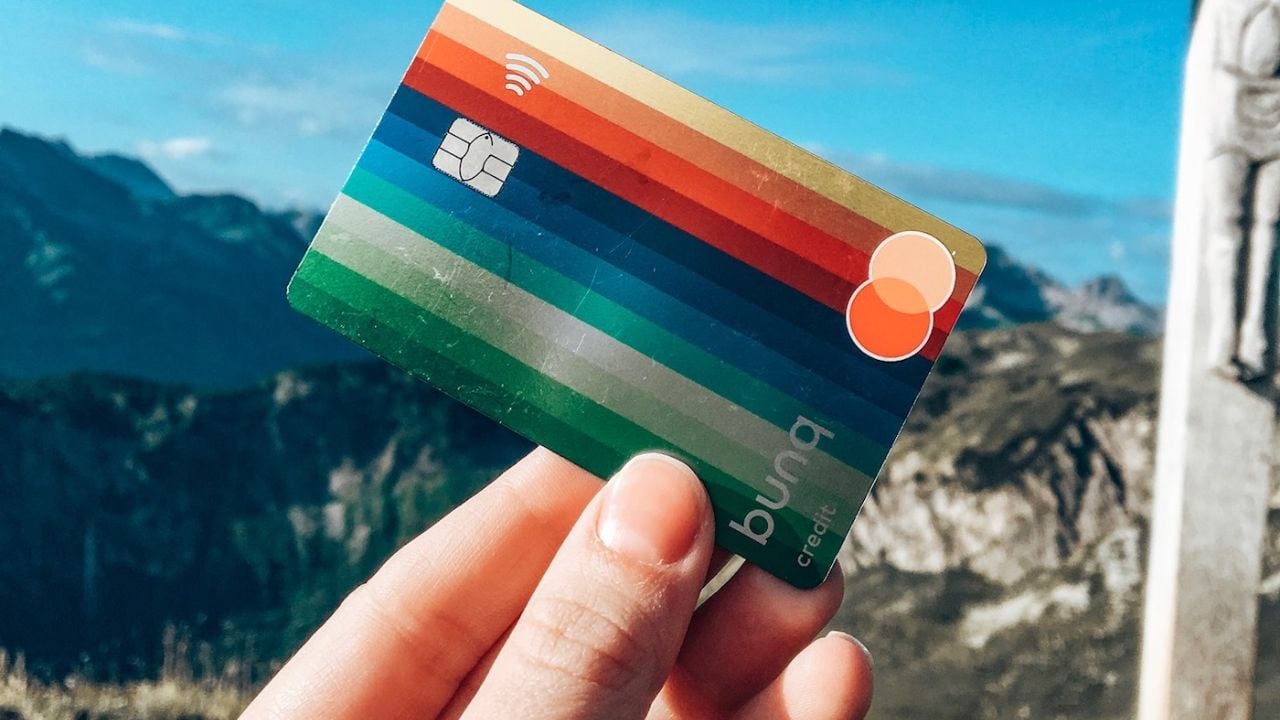
Although the travel benefits page centers on features, it points toward a streamlined onboarding flow. bunq says you can open an account in minutes from your phone.
In practice, that means downloading the app, choosing a plan and completing verification. The next paragraphs outline how this process usually looks for travelers.
Downloading the bunq App and Selecting Your Plan
Your first step is to download the official bunq app from your device’s store and start the sign up flow. The interface guides you through creating a profile and entering contact details.
You then pick a plan that includes the travel insurance and perks you want. At this stage, you are still exploring options and prices. After confirming the plan, you move on to identification.
Verifying Your Identity and Activating Card Details
Next, you finish the identification process in the app so bunq can verify your identity. You follow on screen instructions to show your document and confirm details.
Once the check is approved, your account opens and card details appear. You then request a physical card if needed and start using virtual credentials. At this stage, your Travel Card is practically ready for use.
Enabling Travel Insurance and eSIM Before Departure
When your account and card are active, you can switch on the travel insurance and set up eSIM data. In the benefits area of the app, you activate coverage powered by Qover with a few taps.
After that, eligible trips fall under the policy automatically. You also pick eSIM data plans that match your schedule. Handling these steps early ensures protection before you leave.
Customer Support and bunq Main Office Information
Even with a digital first Travel Card, access to reliable support remains important. The travel pages point you toward help sections where you can ask questions or report issues.
bunq operates an online Help Center and guided contact forms instead of branches. From there, you can raise card, insurance or app problems. Knowing how to reach support is part of using the Travel Card responsibly.
Finding Main Office Details in the Website Imprint
If you need formal information about bunq’s main office, the legal imprint on the website is the best starting point. Footer links from travel insurance and account pages lead directly there.
In that section, bunq lists its registered company details and official address. You also find regulatory references and legal documents. Referring to the imprint ensures you rely on accurate corporate information.
Conclusion
Applying for a bunq Travel Card is about choosing a mobile bank that builds travel features into everyday banking. By understanding travel insurance, ZeroFX conversion and eSIM data, you decide whether the package fits your habits.
Managing everything in the app simplifies life when crossing borders. You stay in control of spending, coverage and connectivity. Together, these elements show why bunq appeals to frequent travelers.
Note: There are risks involved when applying for and using credit. Consult the bank’s terms and conditions page for more information.